

Your AI agents have access. Now you have control.
Lumos governs every non-human identity and every tool-call your AI agents make. See what they touch, set the rules, and stop risky actions before they happen.

Trusted by the world's most innovative companies













Overview
MCP servers let AI agents work inside your systems. Through servers, your agents can read code, query databases, and call tools to accomplish tasks at speeds no human could match, and most of them run on API keys, service accounts, and tokens that nobody reviews. That is the new NHI problem, and it grows with every agent your team adopts.
Security and IT teams are being asked to say yes to AI. Being able to say yes safely means governing what agents can access and what they actually do with it.

Access now has two layers
Most identity programs were built to manage who has access. Agents add a second question: what are identities doing with that access right now?
Layer 01: Permission
Who holds what access, and whether it is still right.

Layer 02: Runtime
What identities actually do with that access.

One platform governing identity risk on both layers
AI for Identity
The right access for the right identities, for the right amount of time.

Identity for AI
Know every machine and agent identity, and control what it does.
Take control of your AI access
Lumos gives security teams visibility and control over every tool call AI agents make. It builds on the access governance you already run.
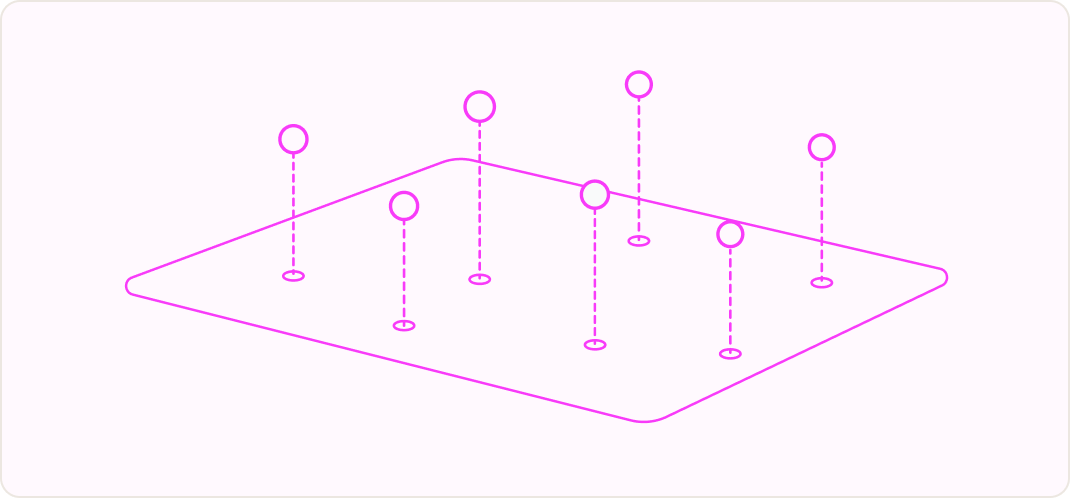
See the real surface
Every MCP server, tool, and command your agents use shows up the first time it runs. That includes servers added locally on a laptop. Each call is tied to the person who set it off.
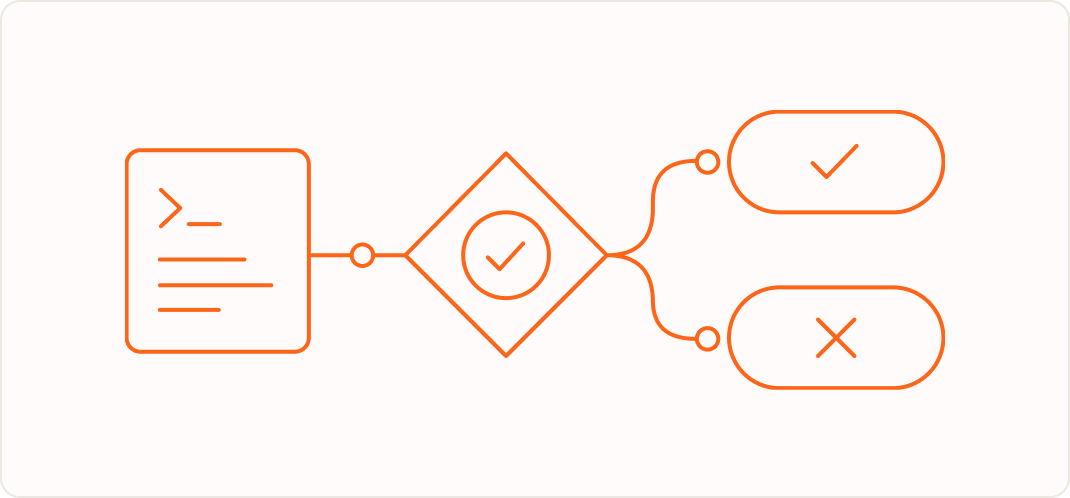
Decide before it executes
Set allow or deny rules per server and per tool. Lumos checks each call before it executes. Start with visibility, then turn on blocking one tool at a time.
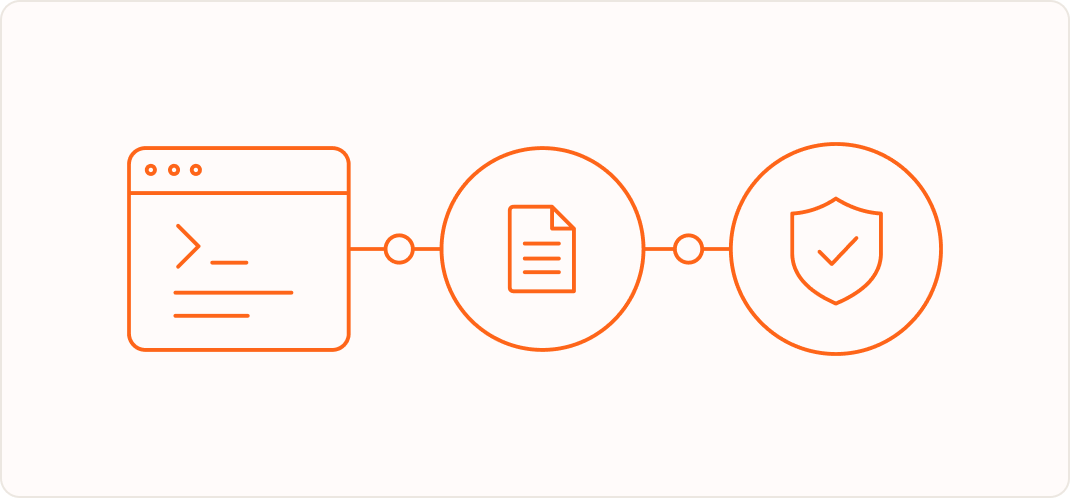
Grounded in real access
Every decision connects to the person behind the agent and the access they hold in Lumos. You always know who an agent was acting for.
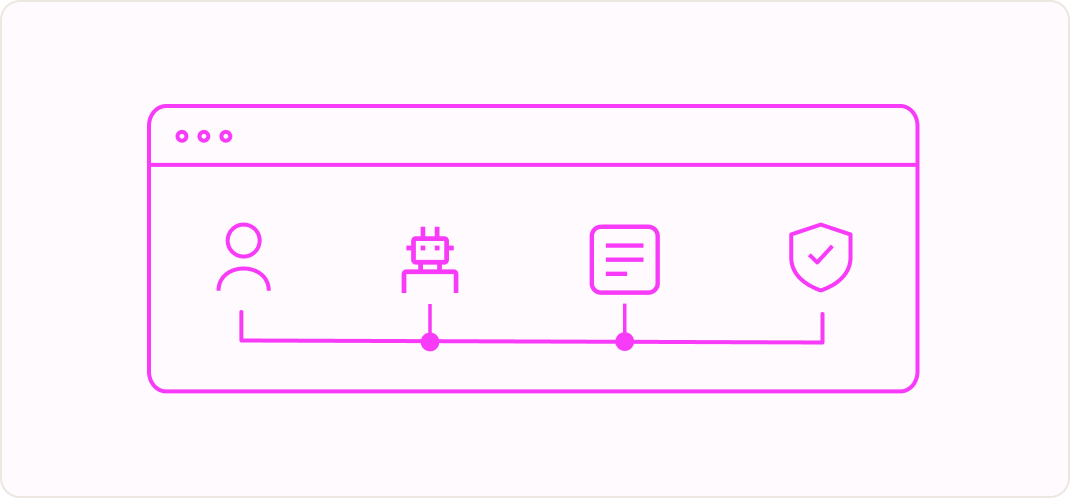
Fits the governance you already run
Agent activity sits in the same platform as your access reviews, just in time access, and offboarding. You govern people, machines, and agents with one audit trail.


Supports Claude Code and Codex. No gateway to set up.

Go deeper on agent access





Frequently Asked Questions

MCP governance is the practice of monitoring and controlling the tool calls AI agents make through Model Context Protocol (MCP) servers. Lumos MCP Governance records every tool call an agent makes and checks it against your policies. It then allows or blocks the call before it runs.
Lumos installs a lightweight hook inside Claude Code and Codex. Before each tool call, the hook sends the call to Lumos and gets back allow or deny. It covers MCP calls, Bash commands, and file edits. No traffic is routed through a gateway, and no background agent runs on laptops.
Lumos MCP Governance supports Claude Code and Codex today, including Claude Code inside the Claude desktop app. One policy set covers both agents. Support for Claude Cowork is coming soon, with more agents to follow.
Yes. Lumos sees every MCP server an agent calls, including custom servers and servers an employee added locally. A server appears the first time someone uses it, even if no admin approved it. That gives you an inventory of MCP servers without building one by hand.
AI agents act with nonhuman identities and inherit the access of the person running them. NHI governance shows you every machine and agent identity and what it can reach. MCP governance controls what agents actually do with that access. Lumos covers both on one identity platform.
No. Lumos runs a policy check before each tool call and targets under 50 milliseconds per check. Agent workflows run for many seconds across many tool calls, so people do not notice the overhead. If Lumos is unreachable, the call proceeds, so an outage never stops work.
Lumos stores the MCP server, the tool name, who made the call, the time, and the allow or deny verdict. It also stores tool call arguments, and admins can turn that off. Lumos does not store user prompts, model responses, or tool call results. See trust.lumos.com for more.
An MCP gateway requires every agent to be pointed at a central proxy, and it cannot see servers that run locally. Lumos works as a hook inside the agent, so nothing is rerouted and local servers are visible. Each decision is tied to the identity and access that person holds in Lumos.
Book a demo with the Lumos team. We turn on MCP Governance for your domain, and your admins install the hook in a single step. Policies default to allow, so you can see agent activity first and add blocking rules when you are ready.



Don't let any agent become your next breach.
See how Lumos governs every human, machine, and AI identity in your business.
Book a Demo
The autonomous identity platform. Agents that continuously govern access for every human, machine, and AI.